User guide
How to edit RAW photos in your browser
Every tool in Raw Photo Editor, explained with real screenshots: what each control does, the order that works, and where the editor stops. Written for photographers, not for engineers.
Canon EOS 750D · CR2 CC0, raw.pixls.us Exposure +0.55 · Highlights −55 · Shadows +40 · Vibrance +30
Your first edit, in four steps
- Open a raw file Drop a camera file on the page. It is decoded on your computer; nothing is uploaded.
- Set light and color Exposure, highlights and shadows first, then white balance and color.
- Refine parts of the frame Darken a sky, lift a subject, clean up spots and backscatter.
- Export the result Full-resolution JPEG, PNG or TIFF, resized if you need it.
Getting started
Open a file, find your way around the workspace, and judge the image.
-
 Getting started Open a camera RAW file in your browser, make a first edit with the Basic panel, and export a full-resolution JPEG. Nothing is uploaded and nothing to install.
-
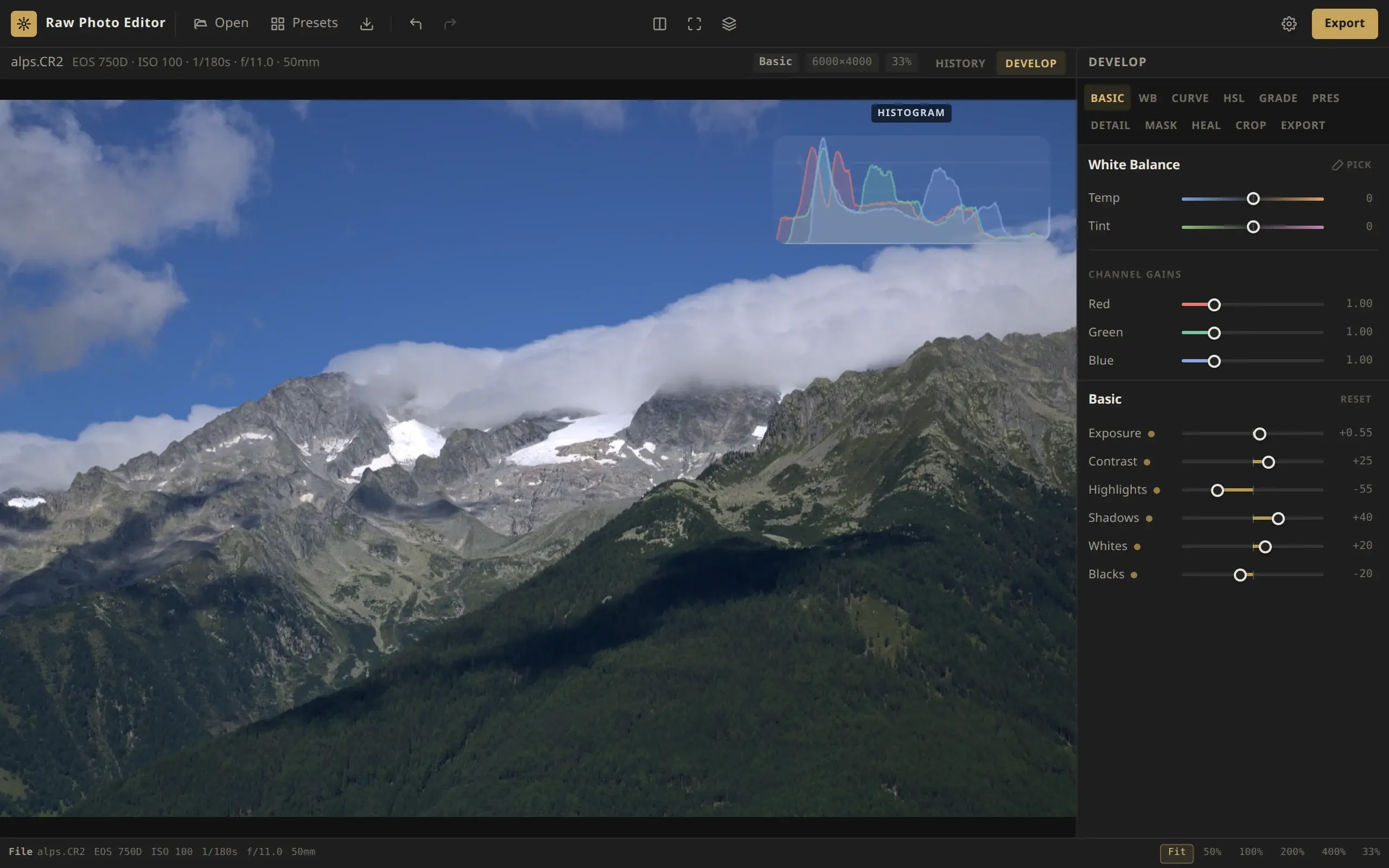
 The workspace A tour of the Raw Photo Editor workspace. What the toolbar, info bar, histogram, Develop tabs, status bar and settings do, and how the layout changes on a tablet.
-
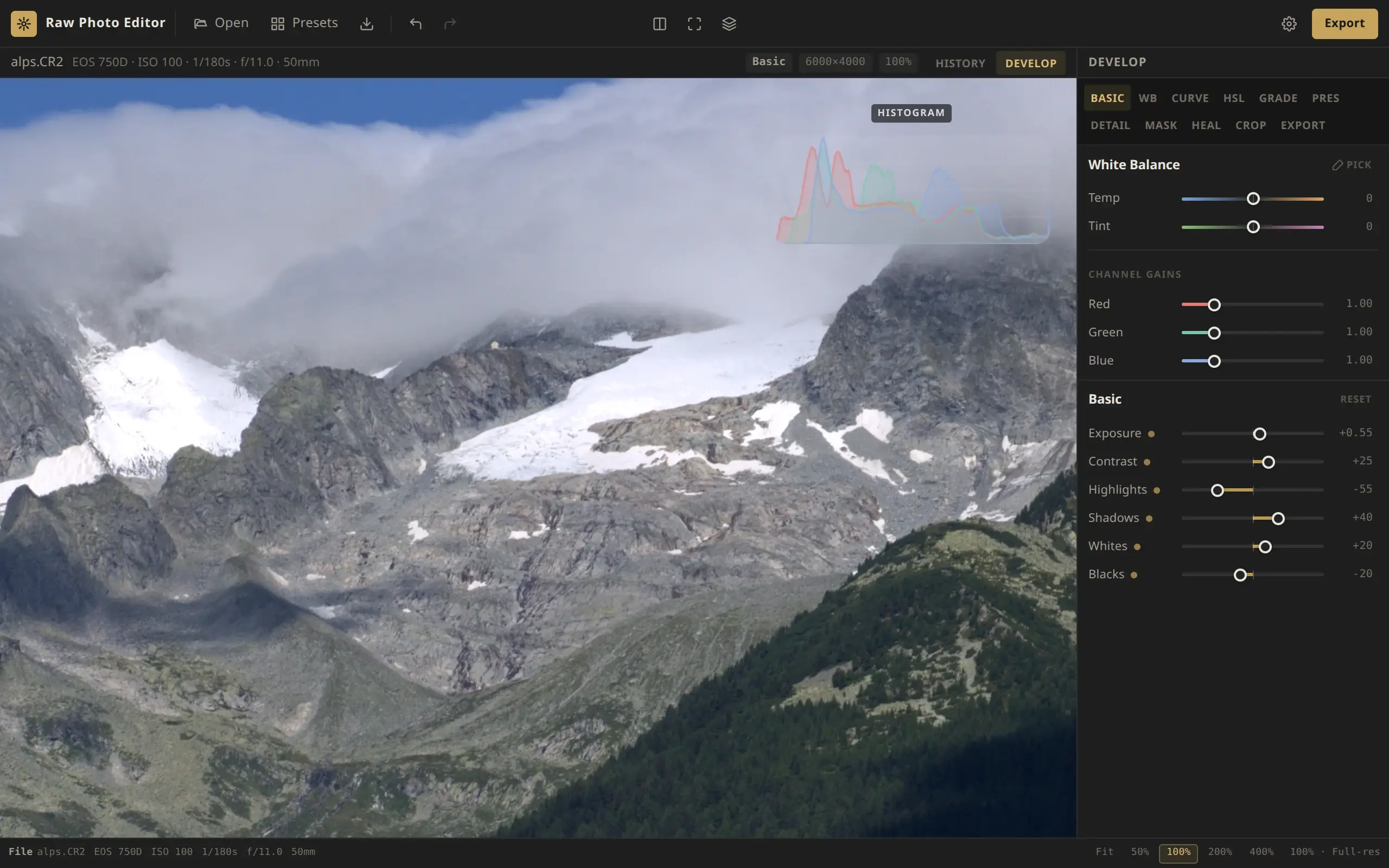 Viewing and comparing Zoom to Fit or a true 100%, pan with a mouse or touch, compare before and after, show clipped highlights and shadows, and read the histogram and the camera data.
-
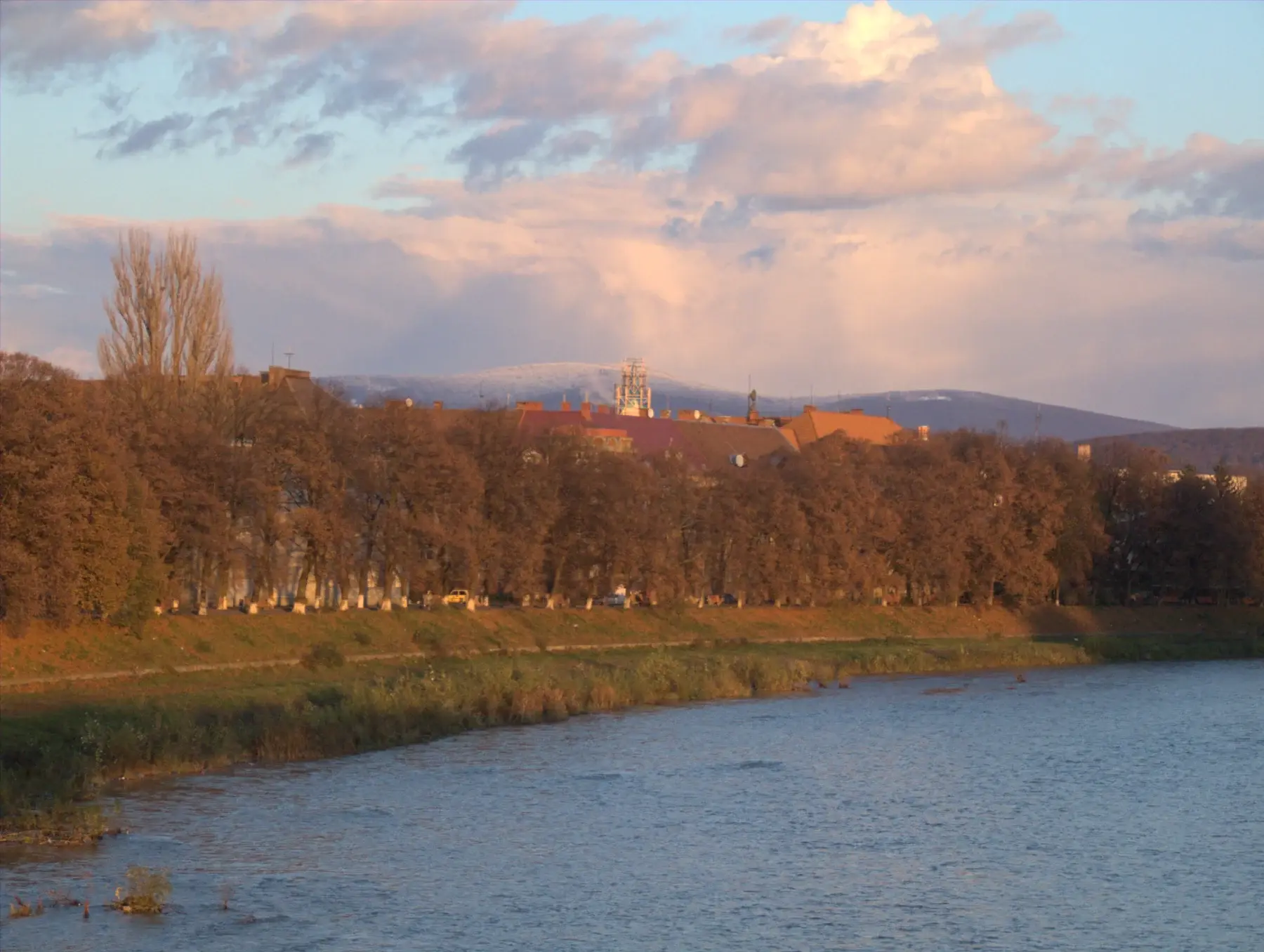 Supported cameras The 24 camera RAW formats Raw Photo Editor opens, how files are decoded in your browser, how orientation and the camera crop are handled, and what is not supported.
Global adjustments
Light, color and detail for the whole photo.
-
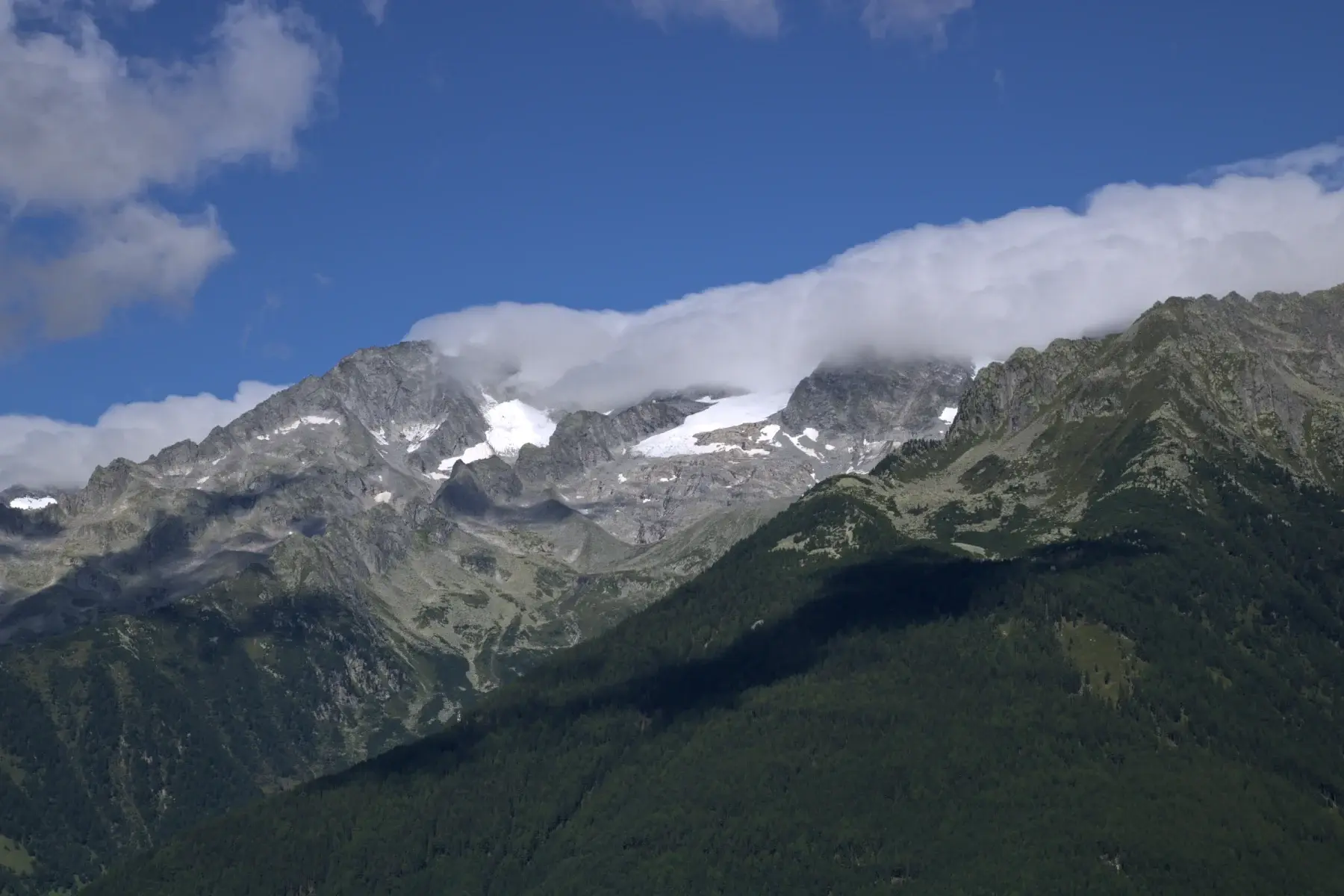 Basic panel What Exposure, Contrast, Highlights, Shadows, Whites and Blacks do to a RAW photo in Raw Photo Editor, their ranges, and an order of work that gets you there fast.
-
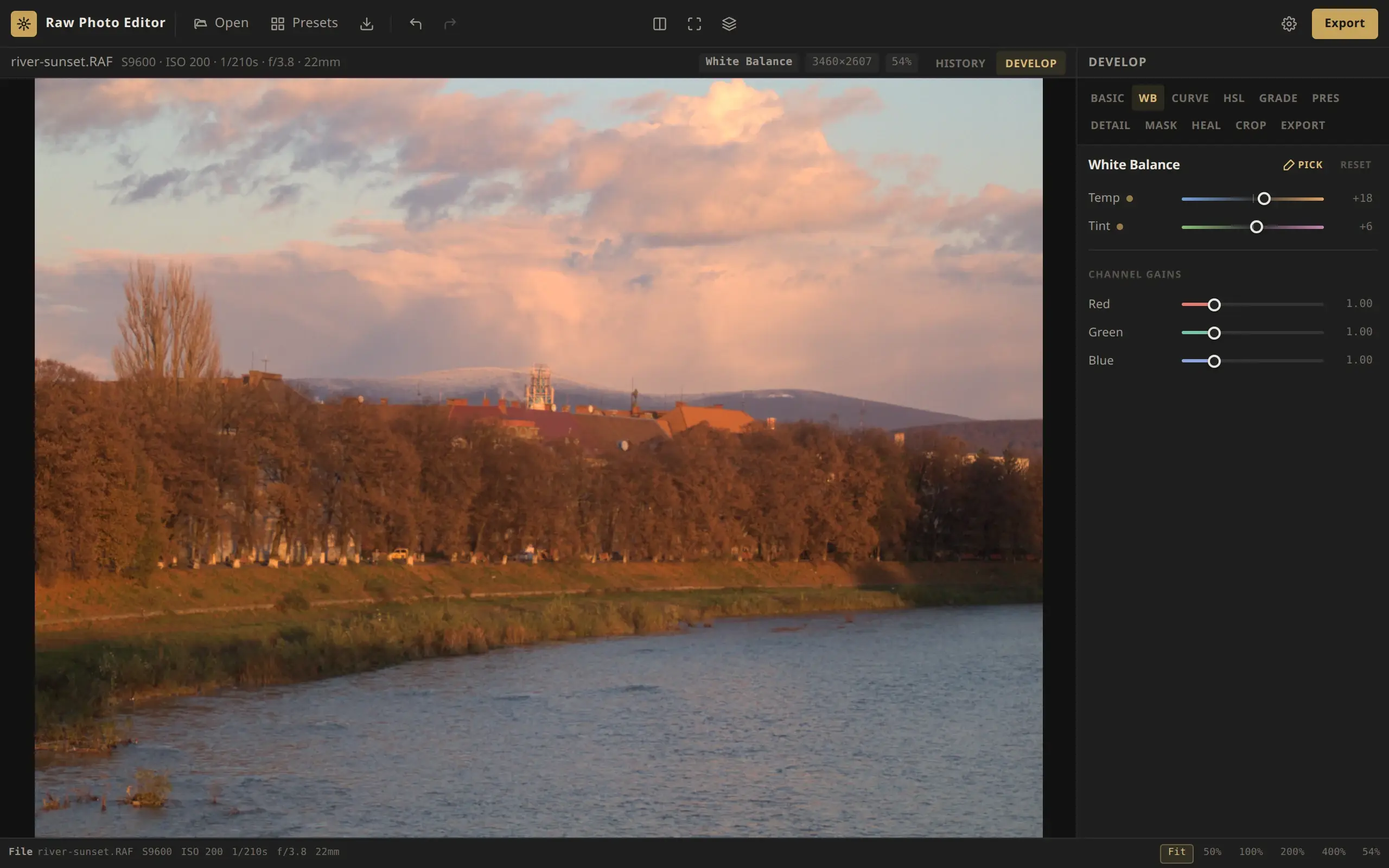 White balance Correct or warm up a RAW photo with Temp, Tint, the Pick eyedropper and per-channel gains in Raw Photo Editor, including strong casts such as underwater blue.
-
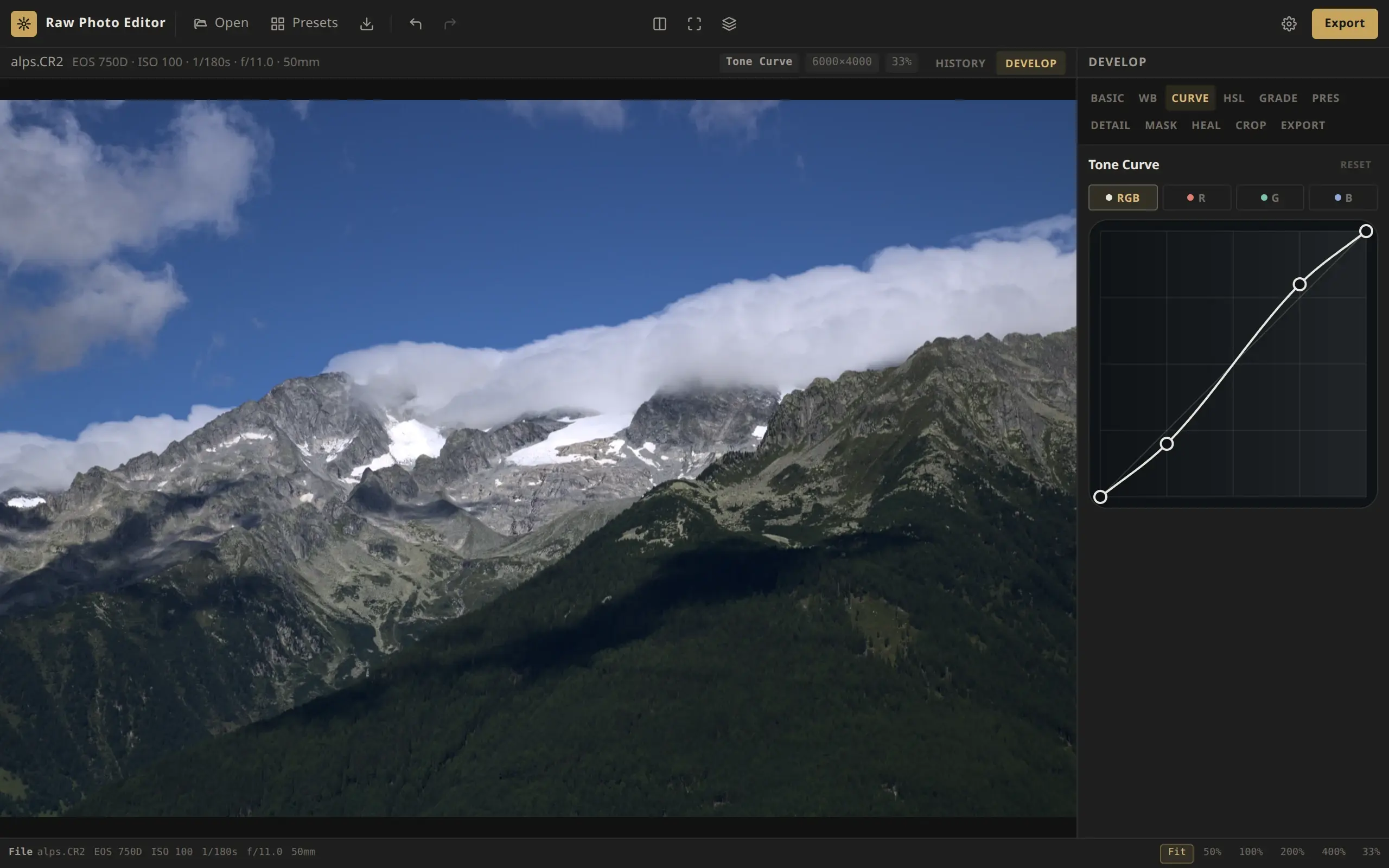 Tone curve Use the tone curve in Raw Photo Editor: add, move and remove points, build an S-curve or a matte fade, and grade color with the separate red, green and blue curves.
-
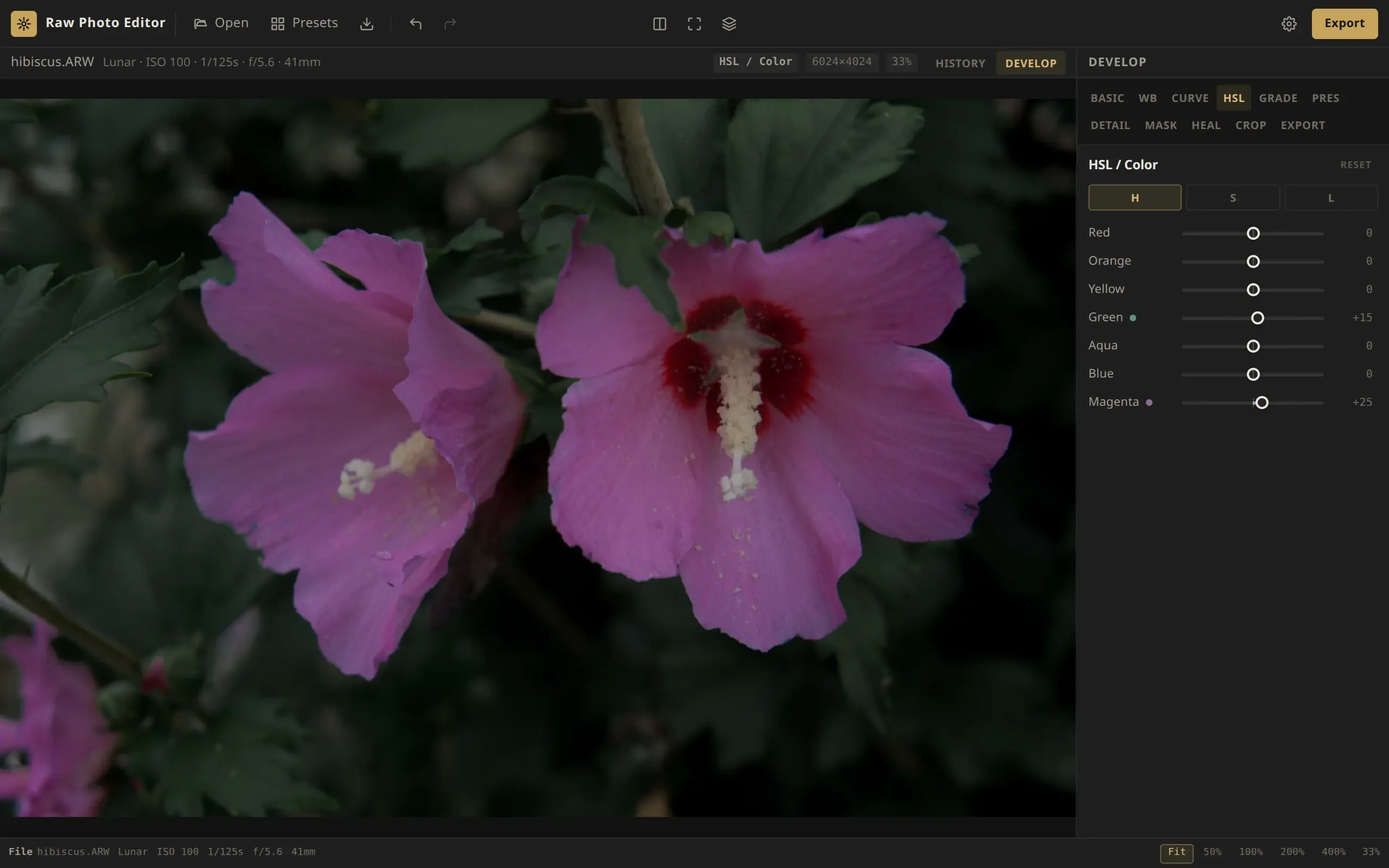
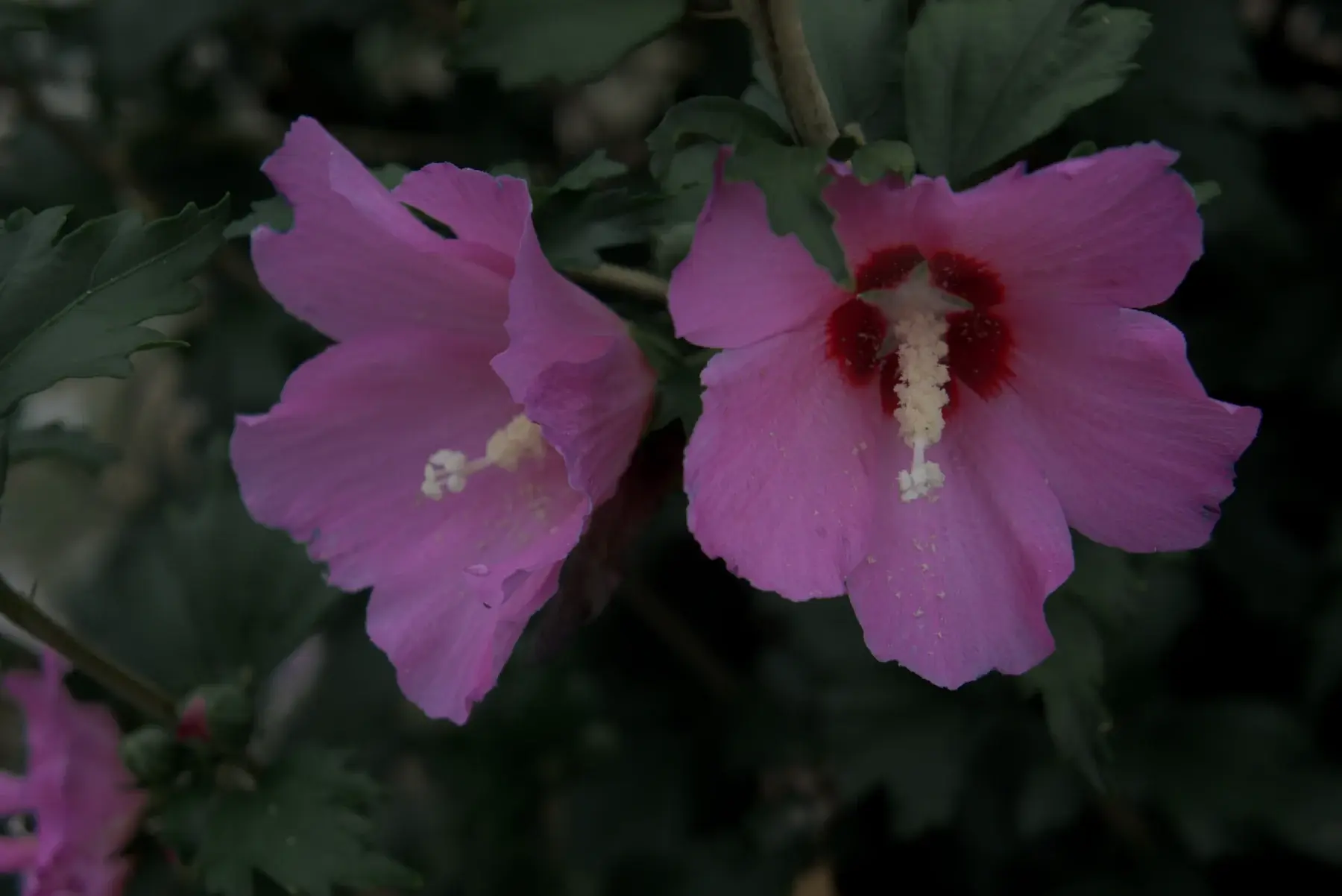 HSL / Color Change one color in a RAW photo with the HSL panel in Raw Photo Editor: the seven color bands, the H, S and L tabs, and practical moves for skies, foliage and skin.
-
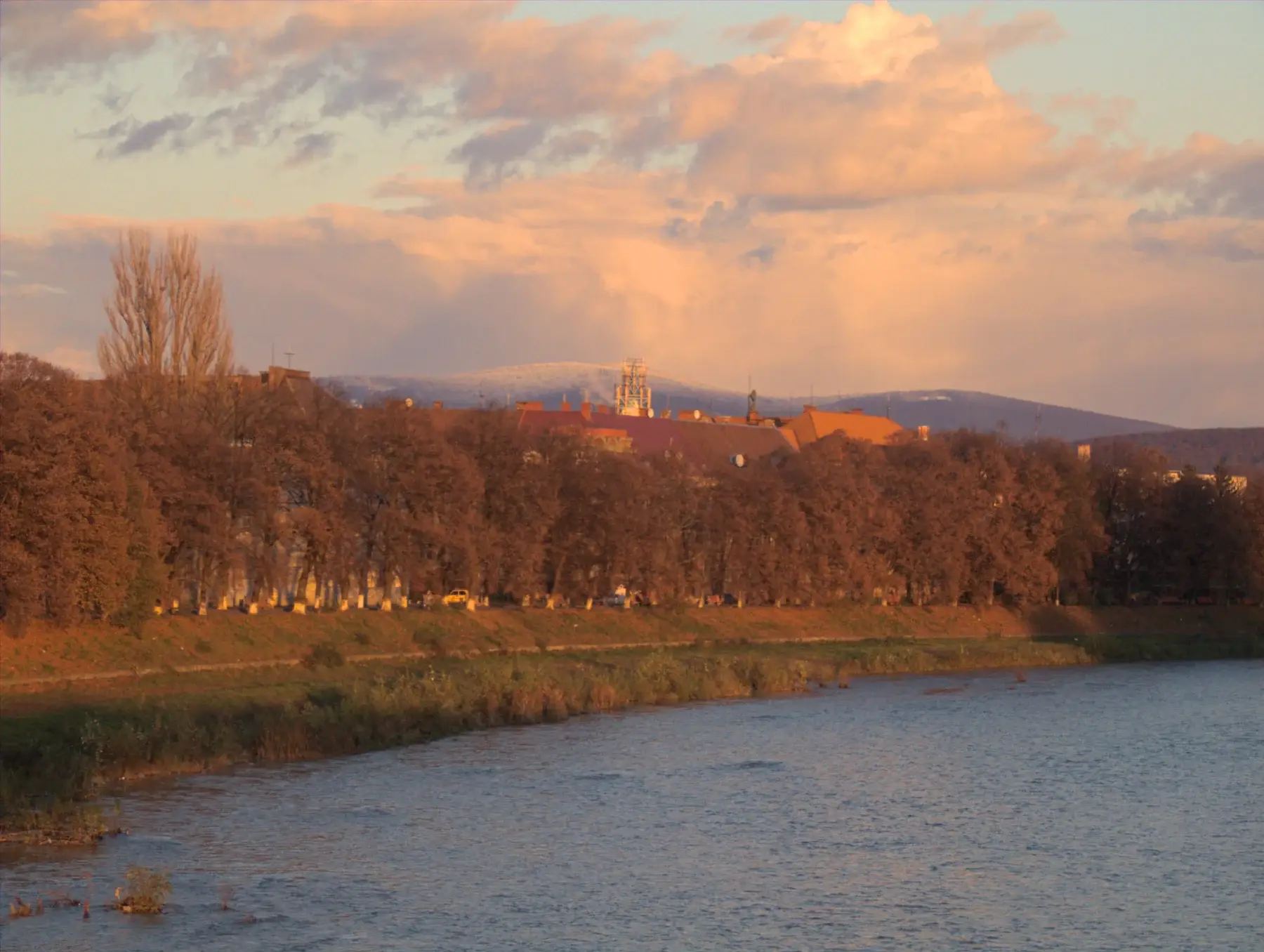 Color grading Grade a RAW photo in Raw Photo Editor: a color wheel and Luminance for shadows, midtones, highlights and the whole image, with Blending and Balance.
-
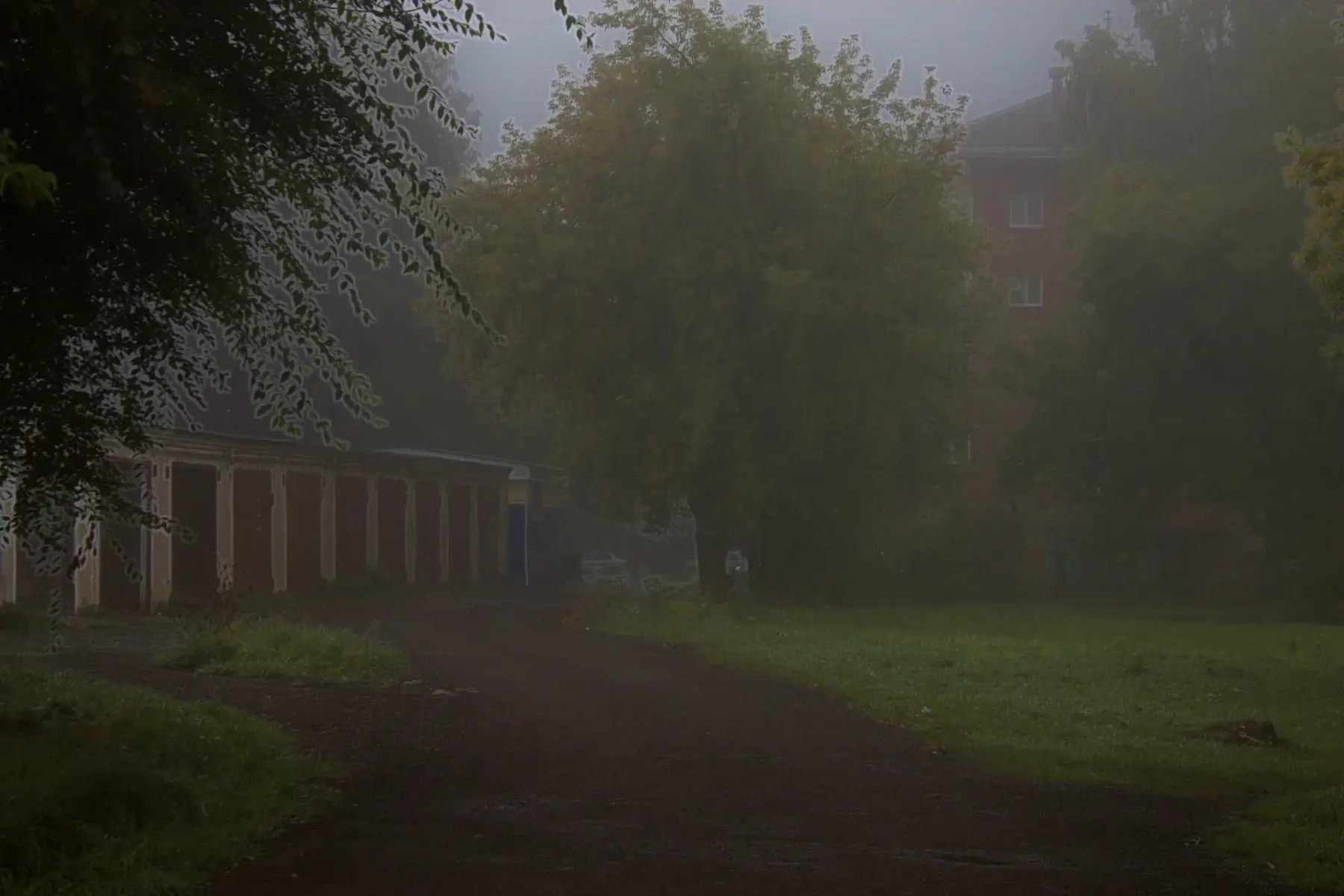 Presence How Texture, Clarity and Dehaze add or soften detail and cut through haze, and how to use Vignette and Grain. What each slider in the Presence panel does.
-
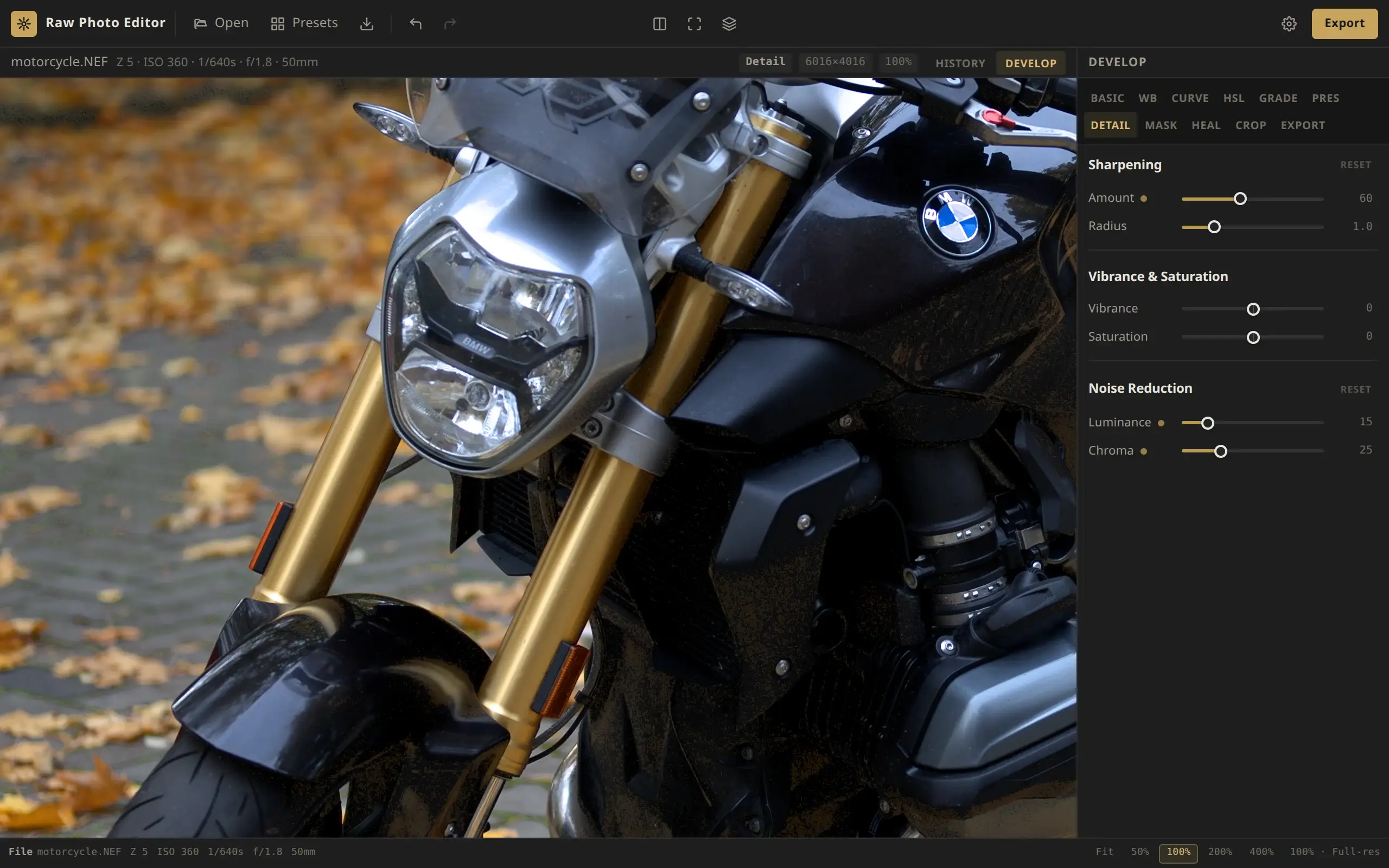 Detail Sharpen a RAW photo, reduce luminance and color noise, and choose between Vibrance and Saturation. What the Detail panel's sliders do and how to judge them at 100%.
-
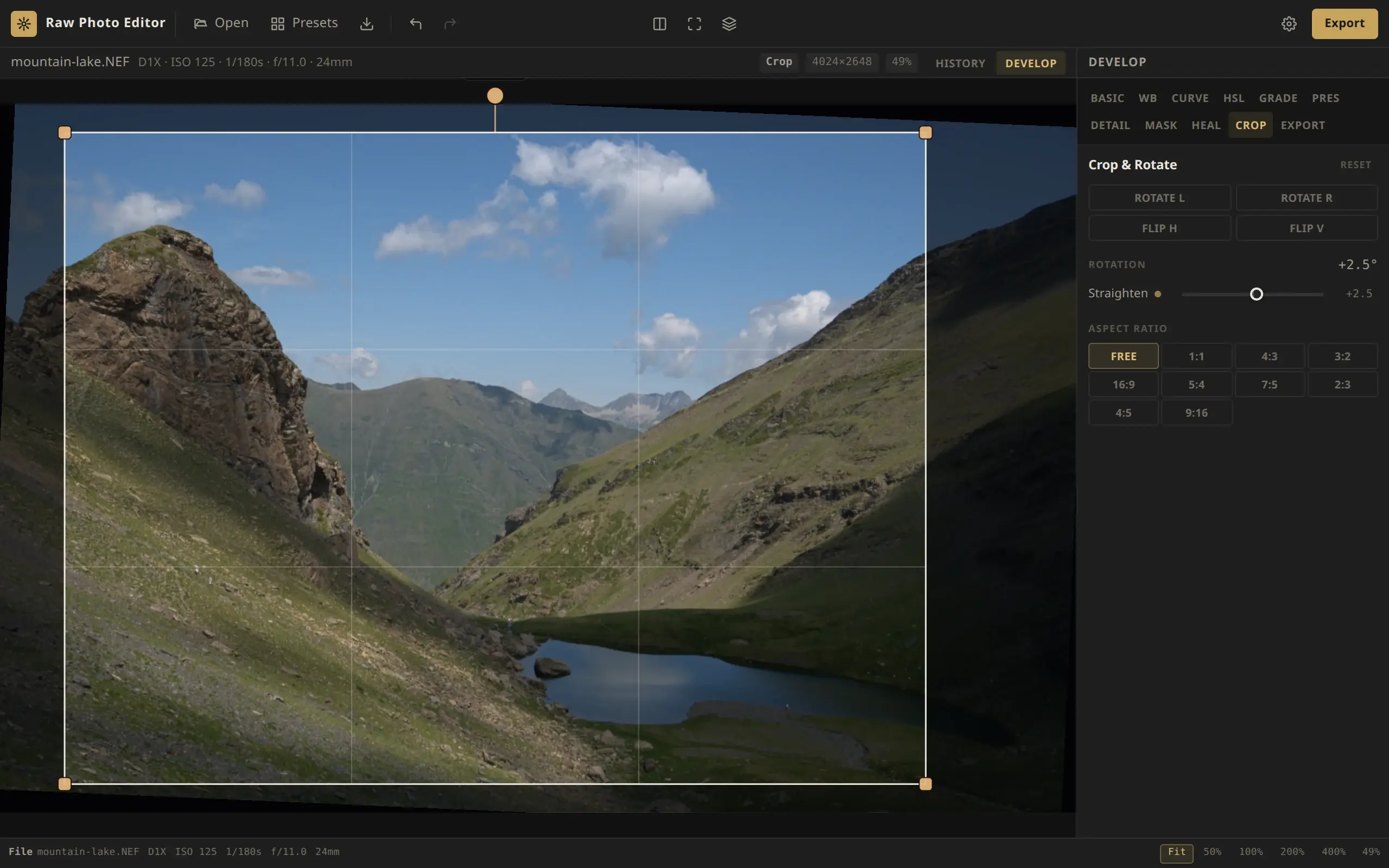 Crop & rotate Crop to a fixed aspect ratio or freely, straighten a tilted horizon, rotate in 90° steps and flip the image. How the crop tool works and what it does to masks.
Local edits & retouching
Masks for part of the frame, heal and clone, backscatter.
-
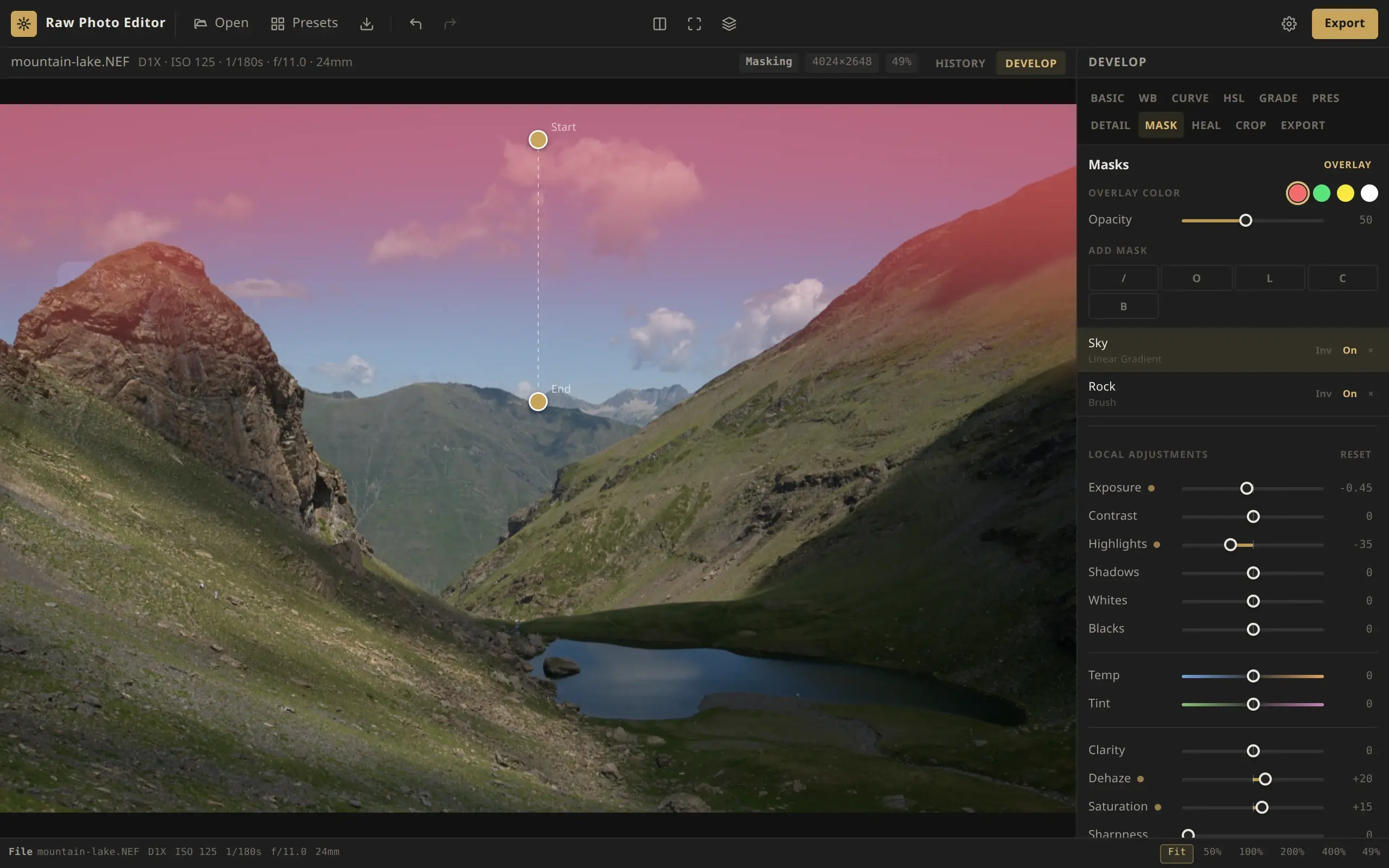 Masks Use linear, radial, brush, luminosity and color range masks to adjust part of a RAW photo, such as a sky, a subject or a background, with 12 local sliders.
-
 Heal & clone Remove dust spots, specks, small logos and streaks from a RAW photo with the Heal / Clone tool. Learn clicks and strokes, source patches, and Heal versus Clone.
-
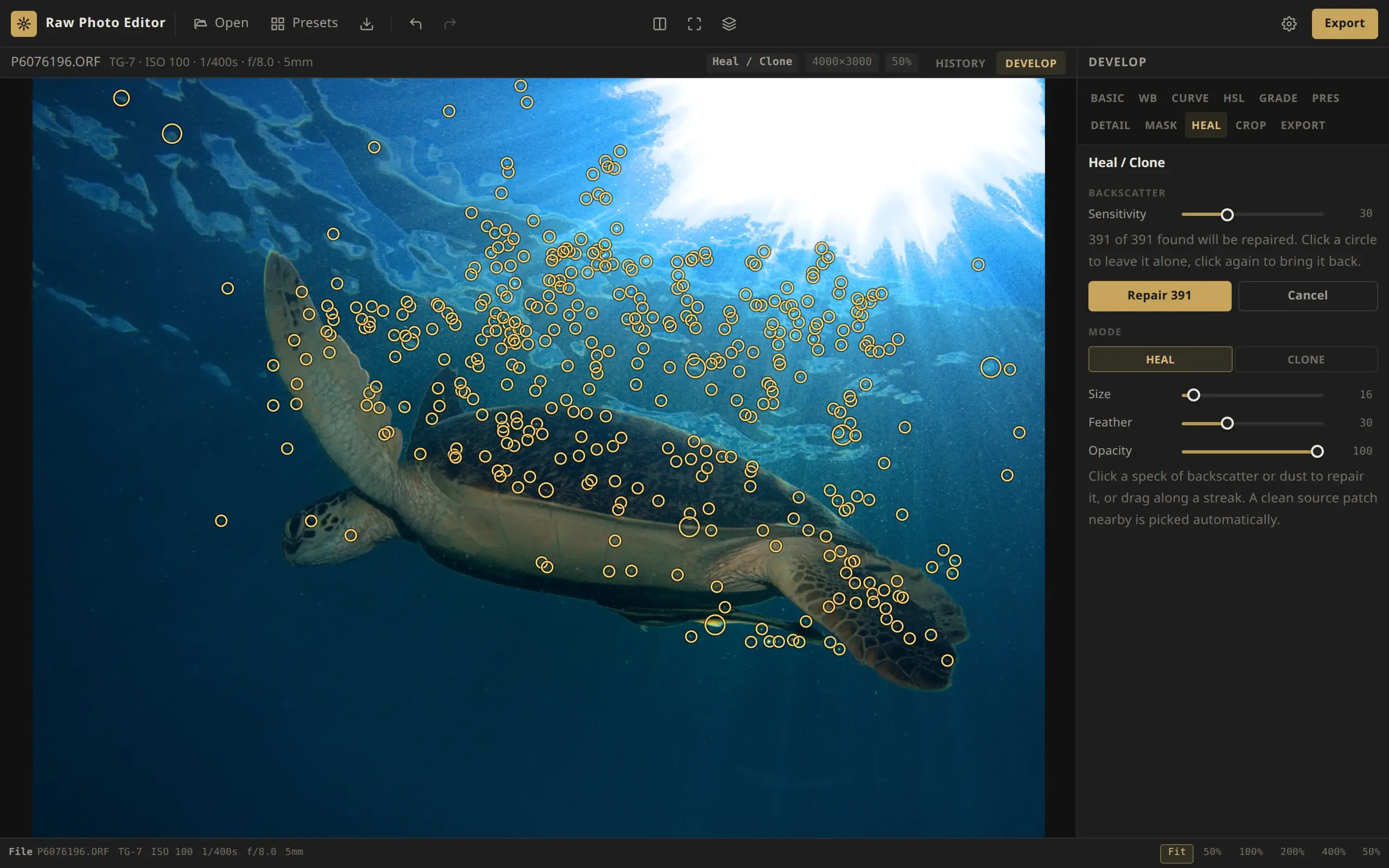 Backscatter Remove backscatter from underwater RAW photos in your browser. Find specks proposes every bright particle for review, and you repair the rest in one step.
Workflow
Presets, history, autosave, export and shortcuts.
-
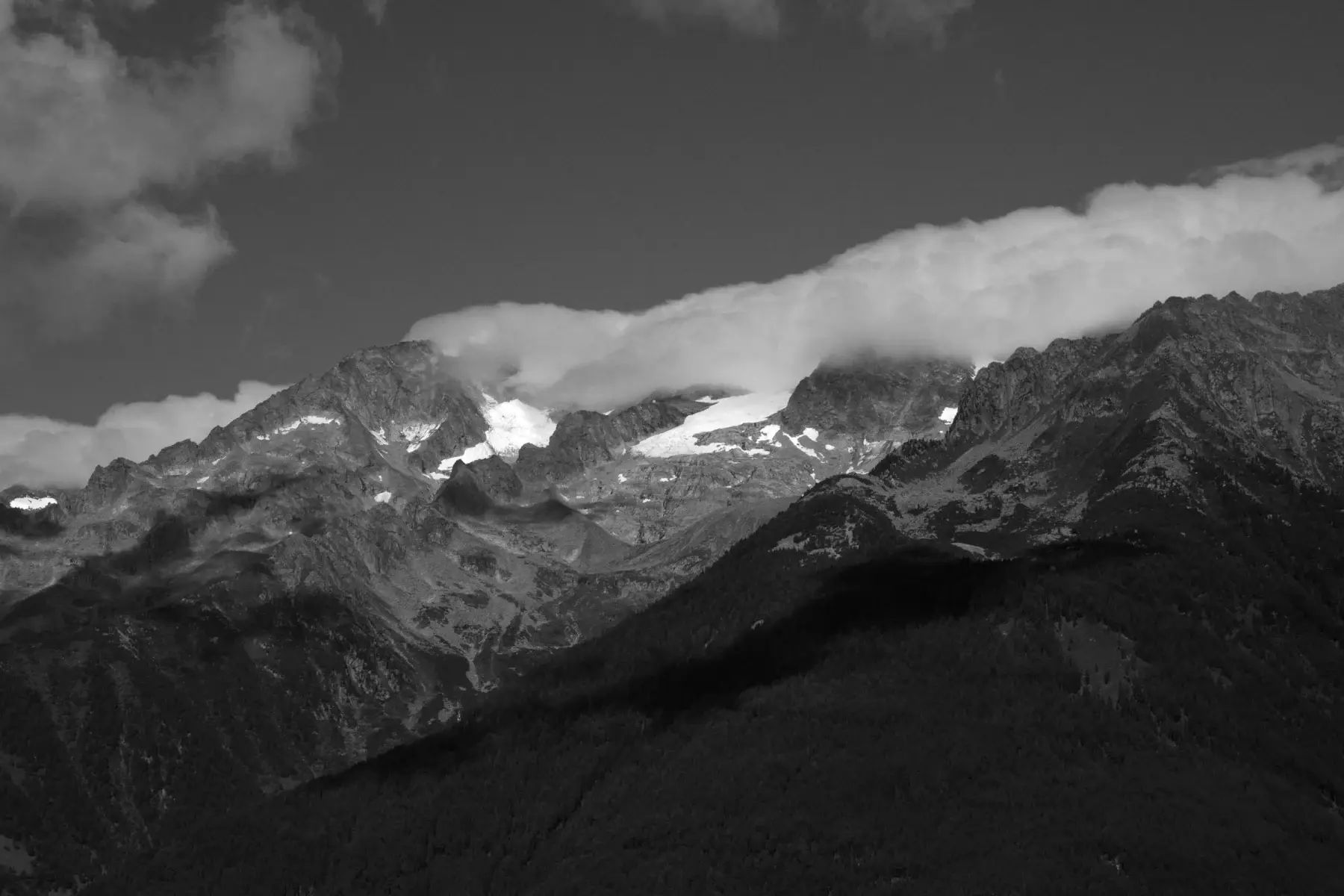 Presets Apply a built-in look or save your own edit as a preset. What a preset changes and keeps, where presets are stored, and how to move them to another browser.
-
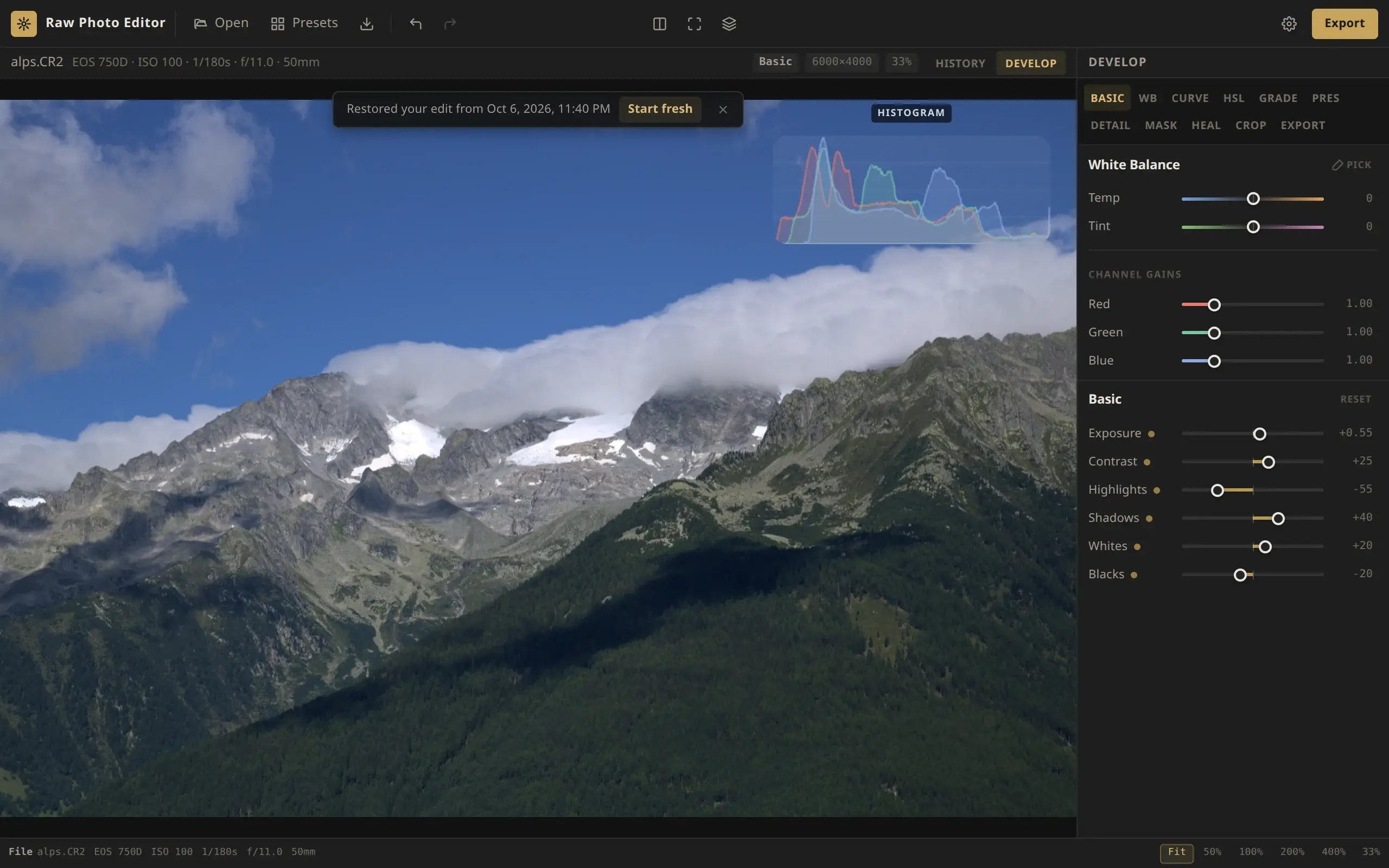 History & autosave How undo and the History list work, how your edits are saved in the browser and restored when you reopen a RAW file, and how to move an edit with a settings file.
-
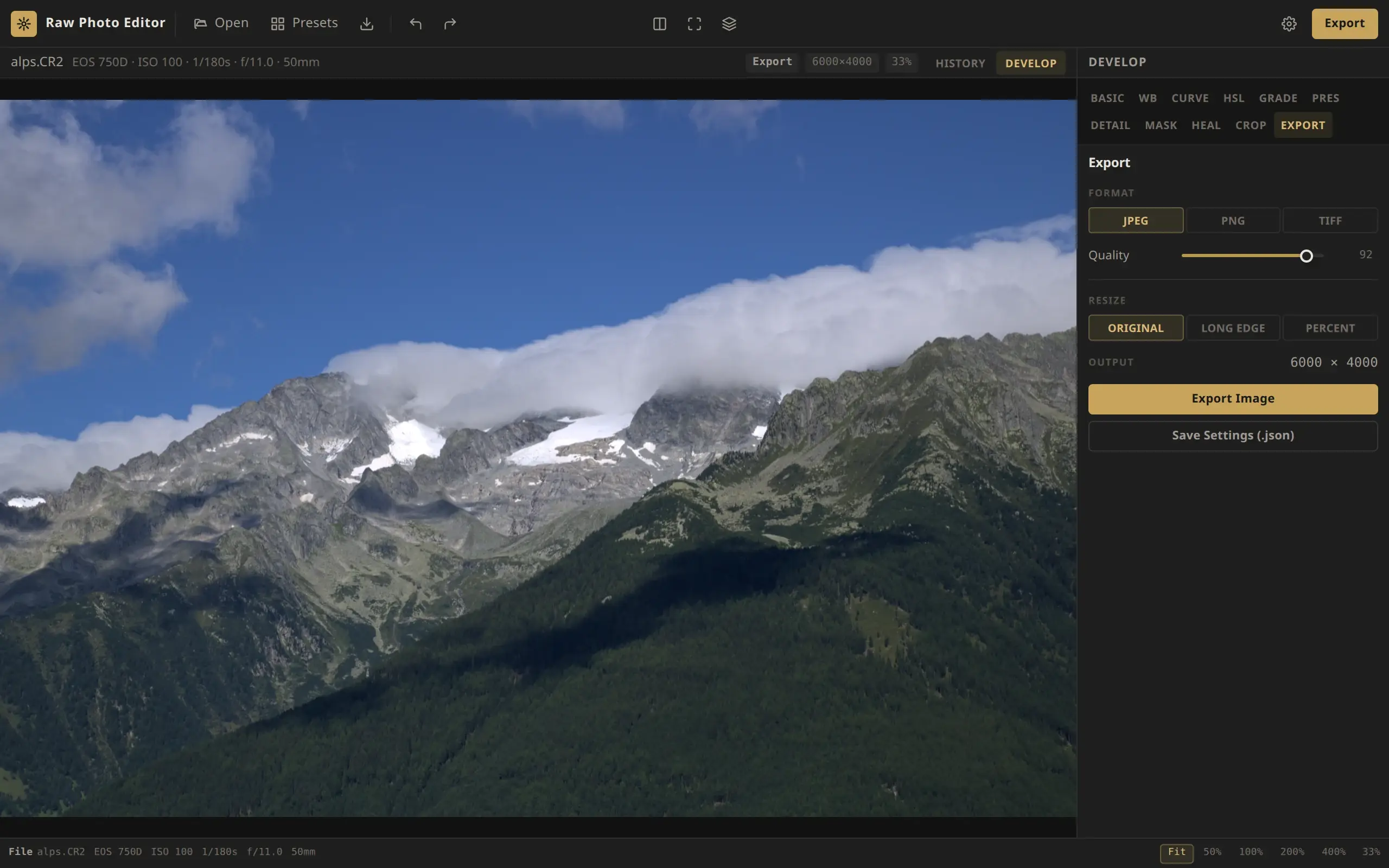 Export Export your edited RAW file as a full-size or resized JPEG, PNG or TIFF: what the file contains, its color space and metadata, and what to do if an export fails.
-
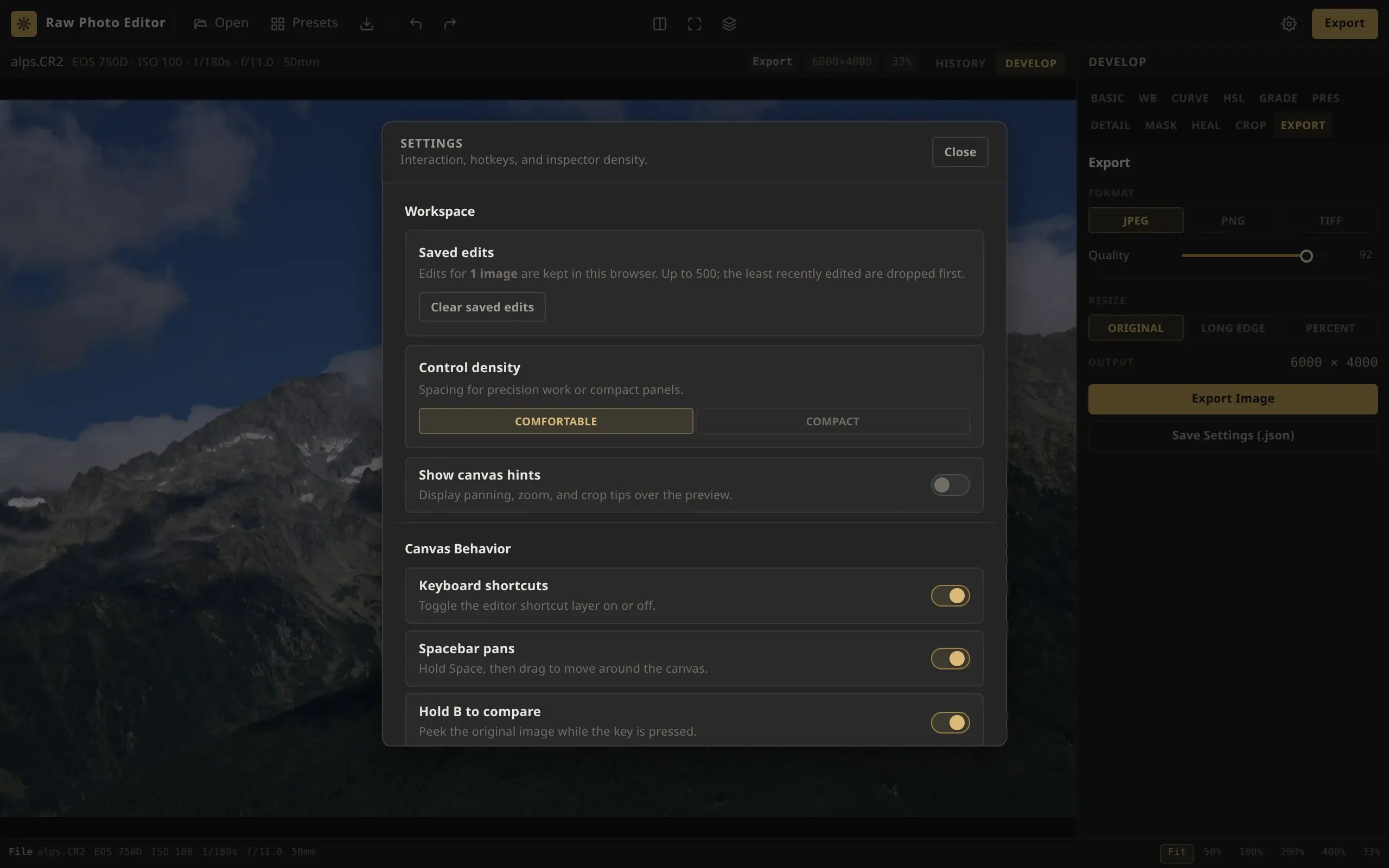 Keyboard shortcuts Every keyboard shortcut in Raw Photo Editor, from undo and zoom to tool switching and brush keys, plus mouse and touch gestures and how to turn shortcuts off.
Reference
Requirements, privacy and known limitations.